What is Web Analytics and Why It Matters
Web analytics is the process of collecting, measuring, analyzing, and reporting website data to understand and optimize how visitors interact with your site. It transforms raw visitor data into actionable insights that drive business decisions.
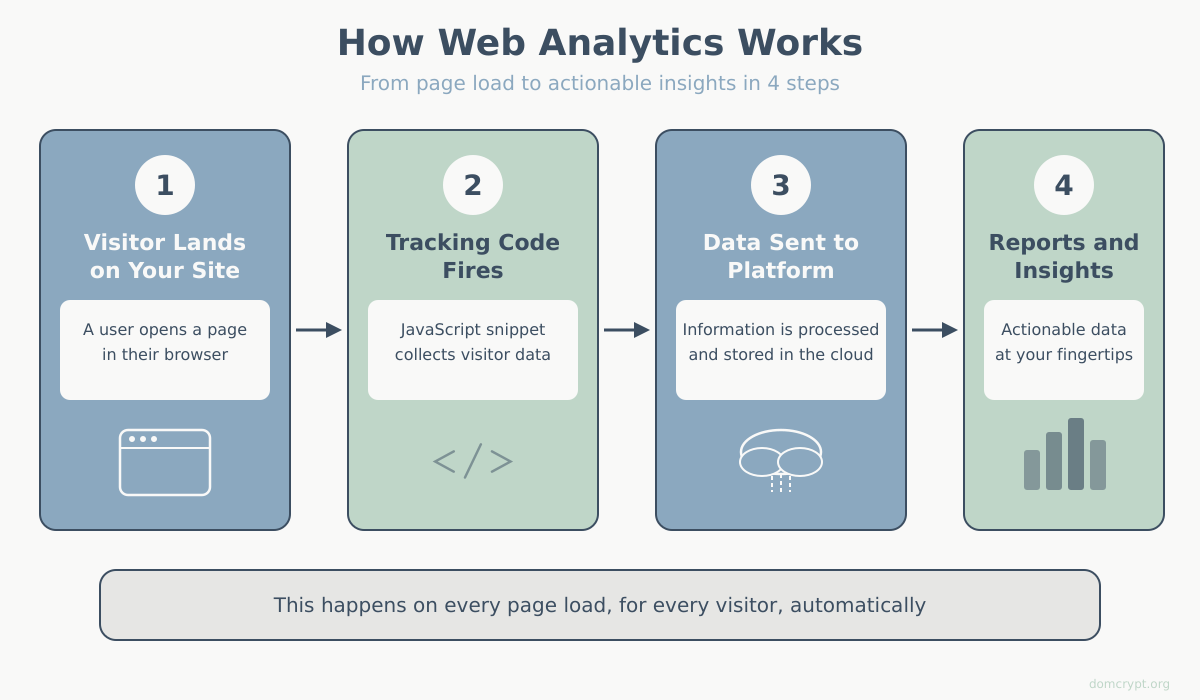
How Web Analytics Works
Every time someone visits your website, analytics tools capture valuable information:
- Traffic sources — where visitors come from (search engines, social media, direct visits)
- User behavior — what pages they view, how long they stay, what they click
- Conversions — whether they complete desired actions (purchases, sign-ups, downloads)
- Technical data — devices, browsers, and locations of your visitors
This data is collected through a small piece of JavaScript code (tracking code) installed on your website. When a page loads, the code sends information to the analytics platform, which processes and displays it in reports. According to W3Techs, Google Analytics is used by over 55% of all websites.
Why Web Analytics Matters for Your Business
Without analytics, you’re essentially running your website blind. Here’s why tracking matters:
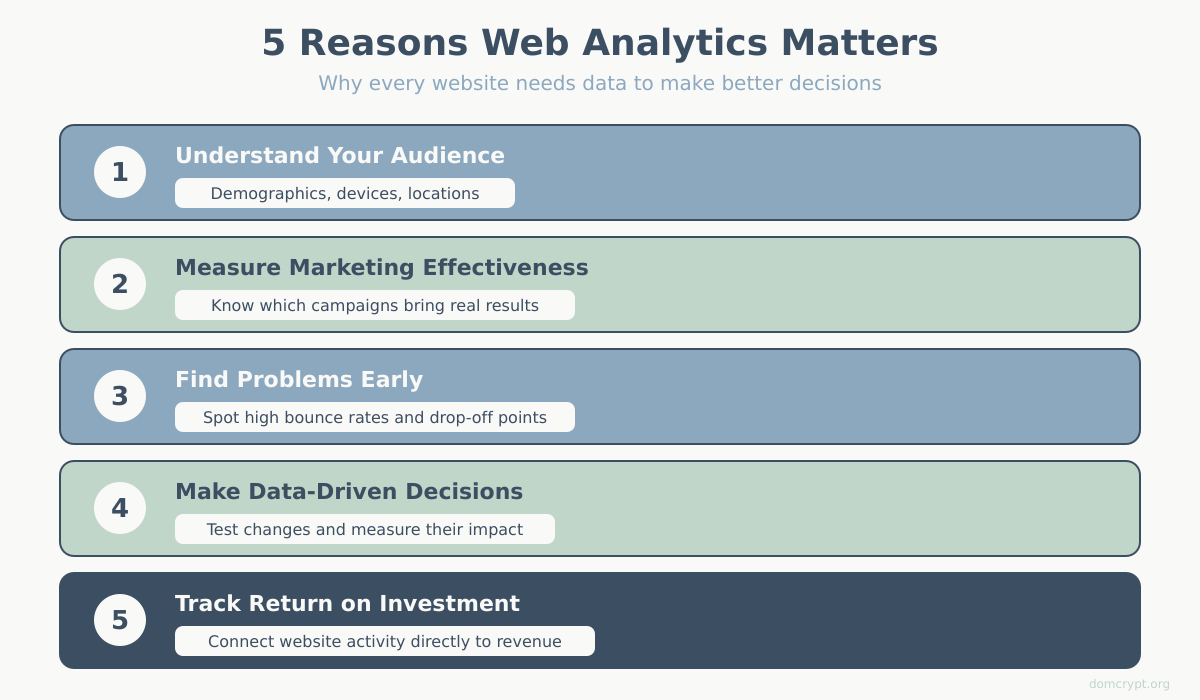
1. Understand Your Audience
Analytics reveals who your visitors are — their demographics, interests, devices, and geographic locations. This knowledge helps you create content and experiences tailored to your actual audience, not assumptions.
2. Measure Marketing Effectiveness
Every marketing channel — SEO, paid ads, social media, email — can be measured. You’ll know exactly which campaigns bring traffic and conversions, allowing you to invest in what works and cut what doesn’t. This is where attribution models help you understand which channels deserve the most credit.
3. Identify Problems and Opportunities
High bounce rates on specific pages signal content or usability issues. Drop-offs in checkout funnels reveal friction points. Analytics helps you spot these problems before they cost you customers.
4. Make Data-Driven Decisions
Instead of guessing what might work, you can test changes and measure results. A/B testing, combined with analytics, lets you optimize headlines, layouts, calls-to-action, and more based on actual user behavior.
5. Track ROI and Business Goals
Connect website activity to business outcomes. Whether you’re tracking e-commerce revenue, lead generation, or content engagement, analytics shows the return on your digital investments.
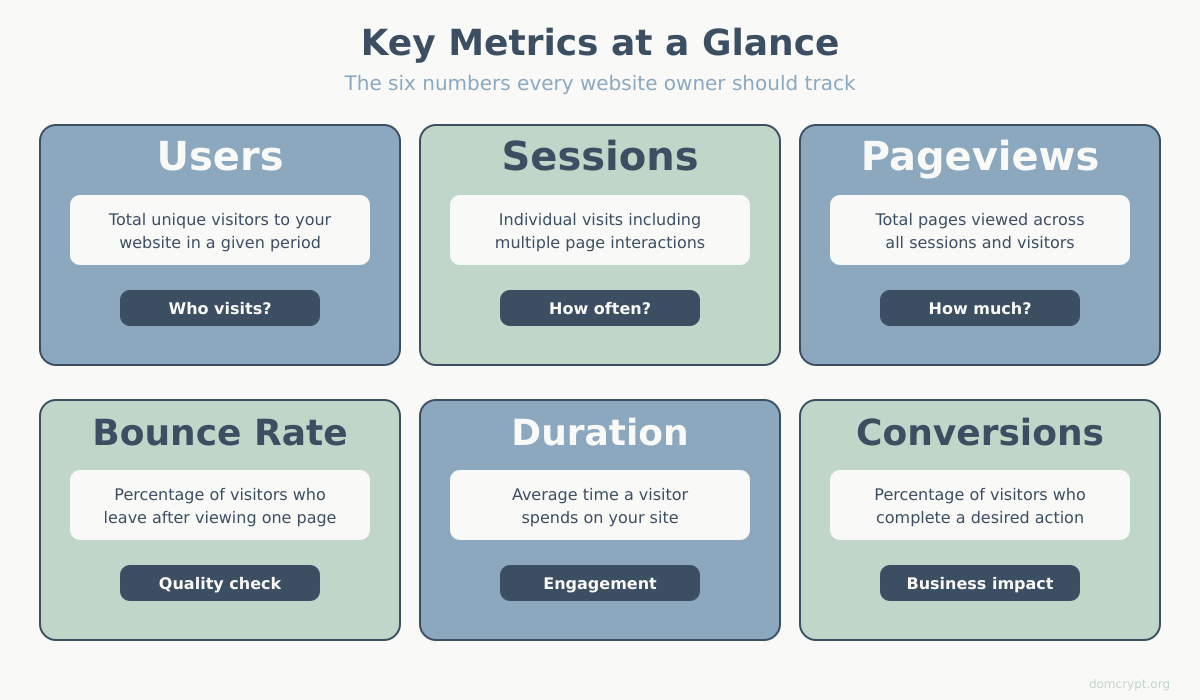
Key Web Analytics Metrics You’ll Track
Web analytics platforms provide dozens of metrics. Here are the essential terms for beginners:
| Metric | What It Measures |
|---|---|
| Users | Unique visitors to your site |
| Sessions | Individual visits (one user can have multiple sessions) |
| Pageviews | Total pages viewed across all sessions |
| Bounce Rate | Percentage of single-page sessions with no interaction |
| Session Duration | Average time spent on your site |
| Conversion Rate | Percentage of visitors who complete a goal |
Popular Web Analytics Tools
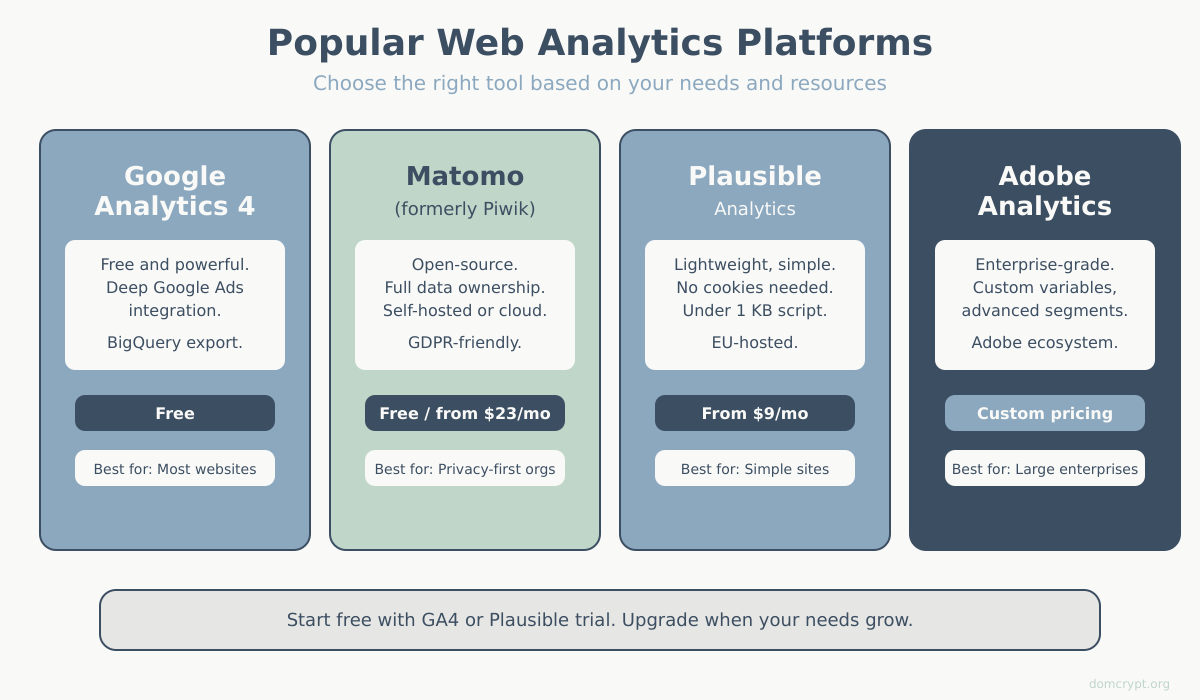
Several platforms are available, each with different strengths. Not sure which one to pick? Check our guide to choosing the right analytics platform.
- Google Analytics 4 (GA4) — the most widely used, free, with powerful features and Google integration
- Matomo — open-source, privacy-focused alternative with full data ownership
- Plausible — lightweight, privacy-first analytics with simple interface
- Adobe Analytics — enterprise-level solution for large organizations
For most websites, Google Analytics 4 or Matomo provides everything needed to get started and grow.
Getting Started with Web Analytics
Ready to start tracking? Here’s your action plan:
- Choose a platform — GA4 for most users, Matomo if privacy is a priority
- Install tracking code — add the JavaScript snippet to your website
- Set up goals — define what conversions matter for your business
- Learn the interface — explore reports and dashboards
- Review regularly — check your data weekly or monthly to spot trends
Summary
Web analytics is the foundation of data-driven website management. It tells you who visits your site, what they do, and whether your digital efforts are working. Without it, you’re making decisions based on guesswork instead of evidence.
Start with the basics — install a tracking tool, understand your key metrics, and build from there. The insights you gain will help you create a better website and grow your business.