Form Tracking in GA4: Measure Submissions and Drop-offs
Forms are where your most valuable visitors either convert or quietly give up — and most GA4 setups can’t tell you which. They see the submissions that succeed but stay blind to the people who started typing and bailed. That blind spot hides your biggest, cheapest conversion wins. This guide shows you how to track form submissions and the drop-offs that matter even more.
Form completions are usually a core metric, so make sure they’re on your list of key website metrics before you start — a form you don’t measure is a leak you can’t see.
The Two Form Events That Matter
GA4 form tracking lives or dies on two events. Understand the pair and the rest is detail.
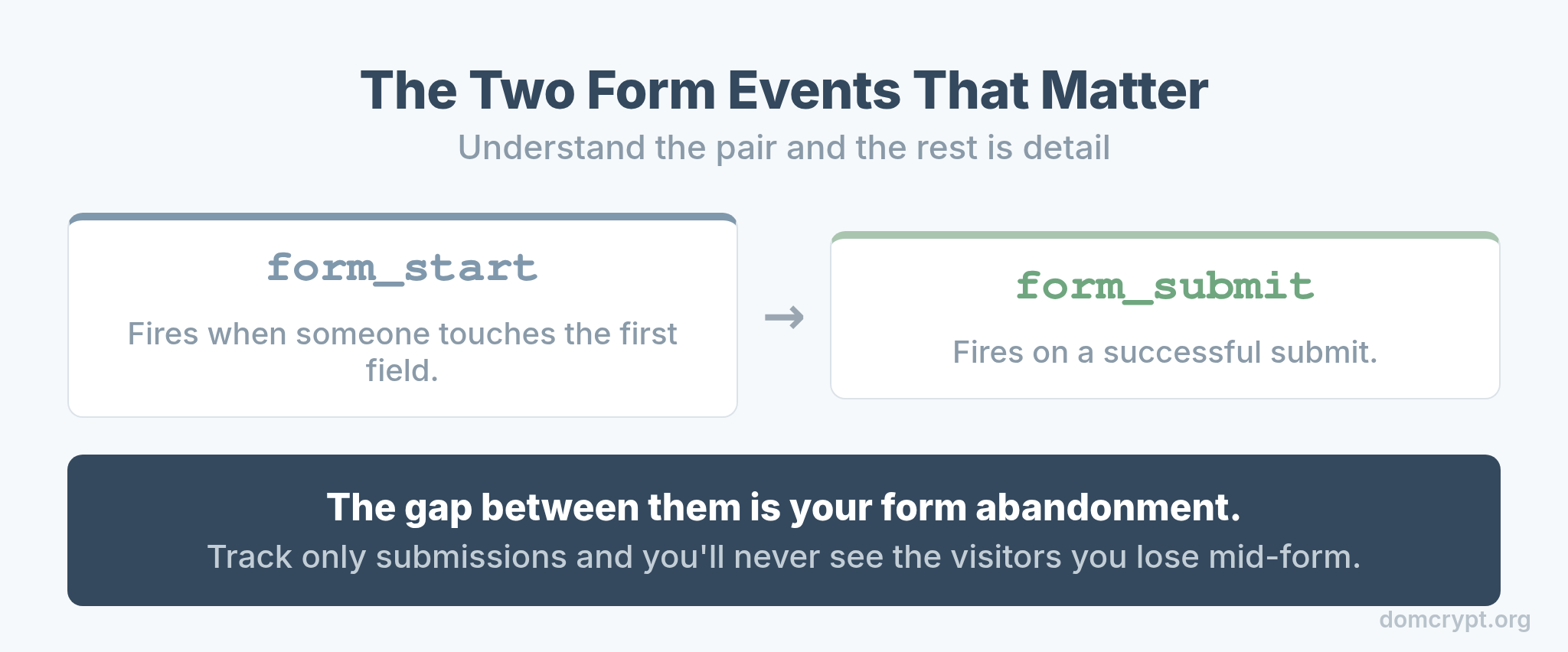
form_start fires the moment someone interacts with a form’s first field. form_submit fires when they successfully submit. The gap between these two numbers is the whole story: it’s your form abandonment, and it’s almost always larger than people expect. Track only submissions and you’ll never see the visitors you’re losing mid-form.
Enhanced Measurement: The Easy Start
GA4 can capture both form events automatically — if you turn the setting on and accept its limits.
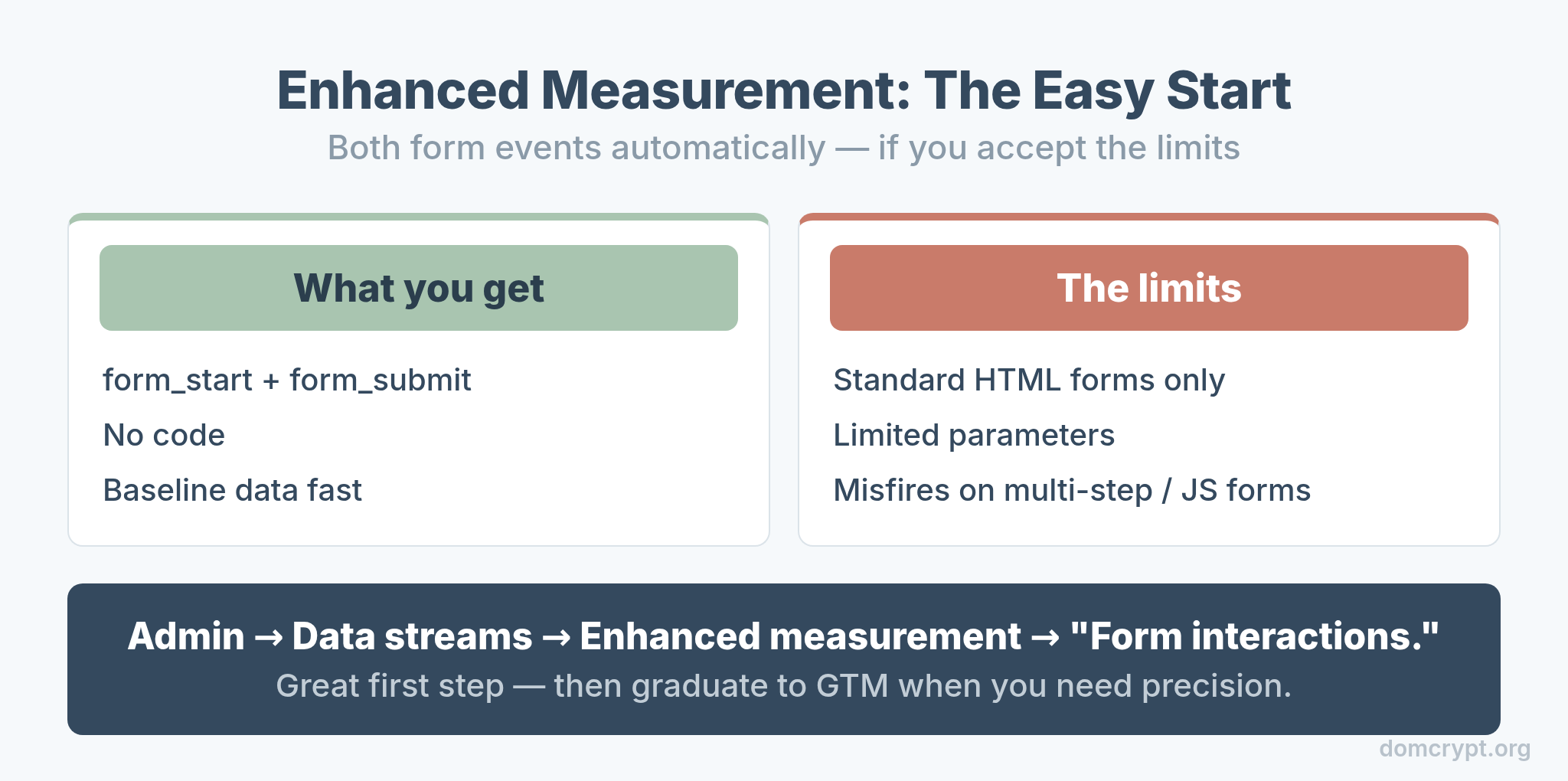
In Admin → Data streams → Enhanced measurement, enable “Form interactions.” GA4 then collects form_start and form_submit with no code. It’s a great first step — but it only works on standard HTML forms, gives you limited parameters, and can misfire on multi-step or JavaScript-heavy forms. Use it to get baseline data fast, then graduate to GTM when you need precision.
When You Need GTM Instead
Enhanced measurement is the appetizer; Google Tag Manager is the meal. Reach for it the moment your forms get non-trivial.
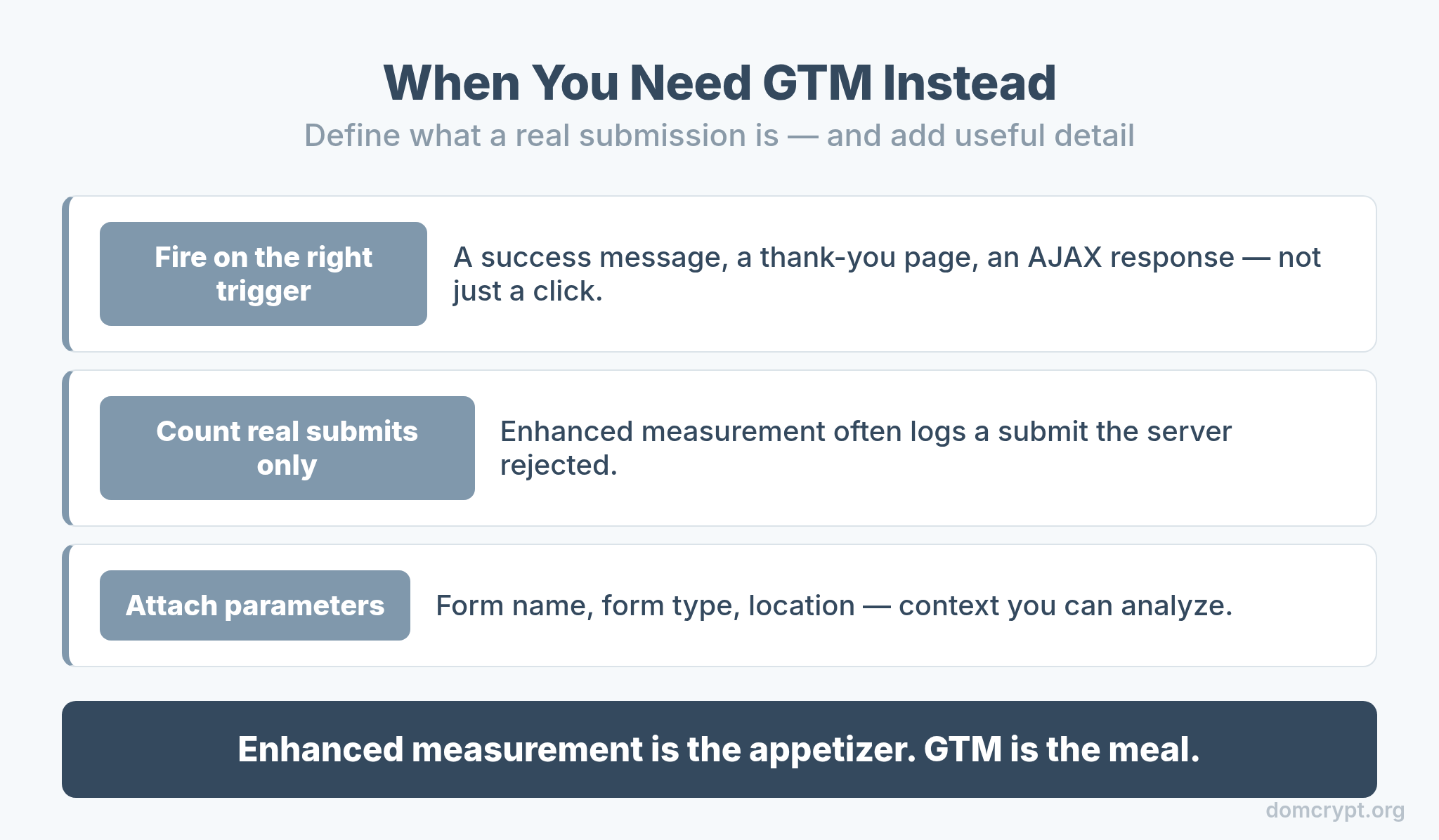
GTM lets you fire form events on exactly the right trigger — a success message appearing, a thank-you page loading, an AJAX response returning. That precision matters because enhanced measurement often counts a “submit” that the server actually rejected. With GTM, you define what a real submission is, and you can attach useful parameters like form name and form type. A clean GTM setup is the foundation for reliable form data.
Measuring Form Drop-Off
This is where form tracking pays for itself. The drop-off between start and submit points straight at the fix.
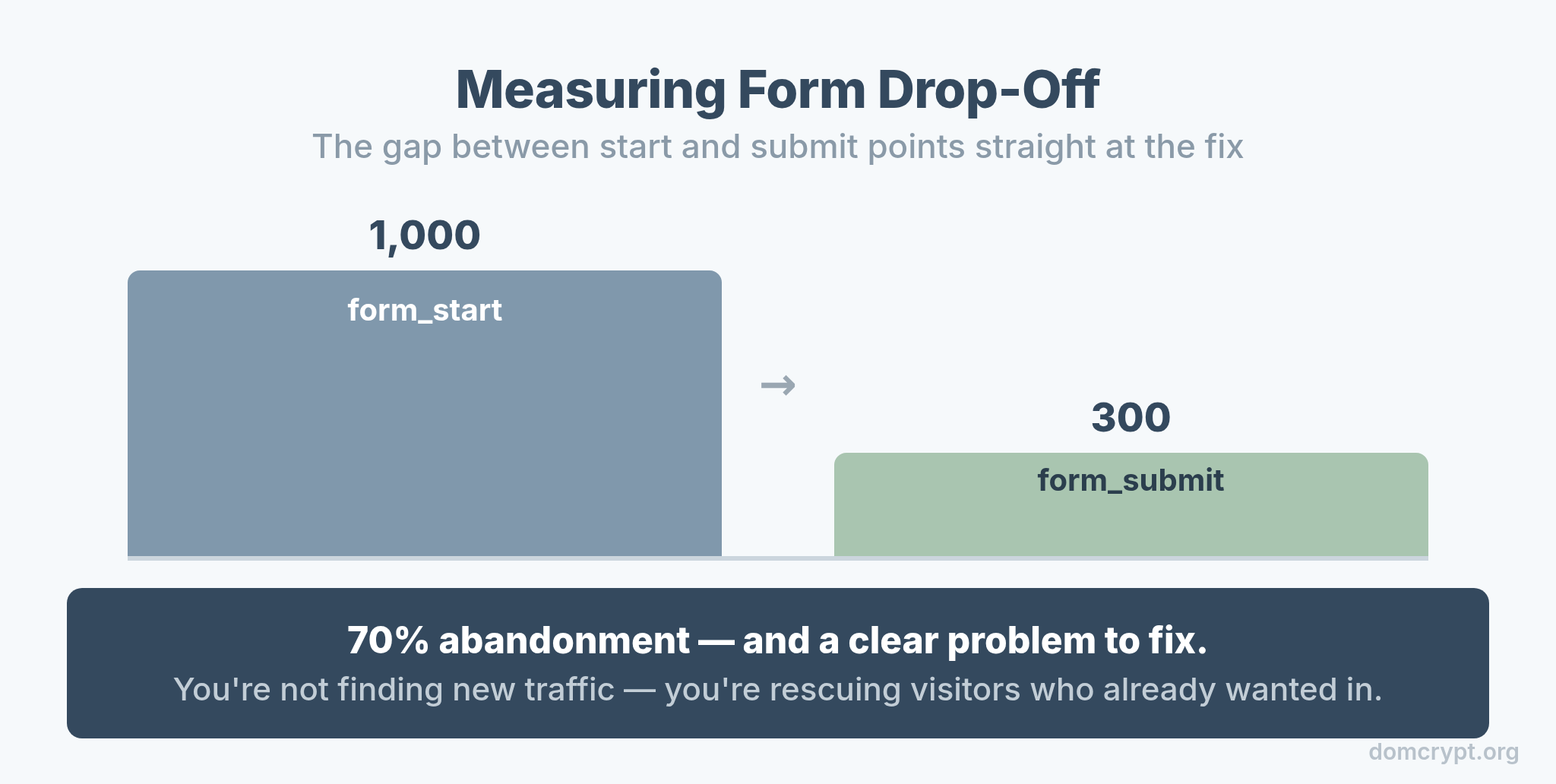
Build a simple funnel: form_start → form_submit. If 1,000 people start and 300 finish, you have a 70% abandonment rate and a clear problem. A high drop-off usually means the form is too long, asks for too much, or breaks on mobile. This is one of the fastest conversion wins available, because you’re not finding new traffic — you’re rescuing visitors who already wanted in. It ties directly into your attribution model, since a recovered submission credits the channel that brought that nearly-lost visitor.
Field-Level Tracking for Deeper Insight
When the funnel tells you people drop off, field-level tracking tells you where.
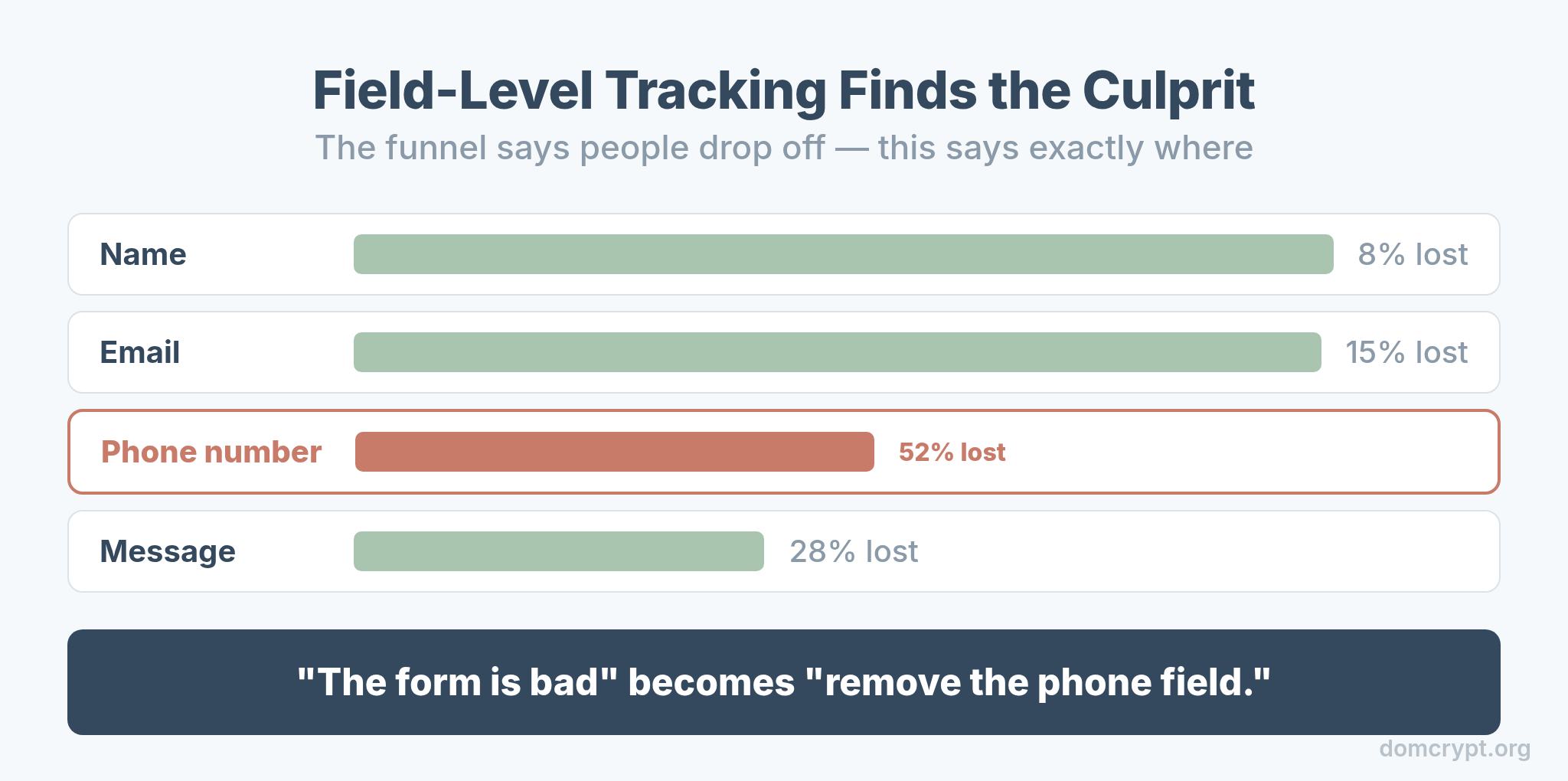
With GTM, you can fire an event when each field is engaged, exposing the exact field where people give up. Nine times out of ten it’s a phone number, a long text box, or an unexpected required field. Once you know the culprit field, the fix is obvious — make it optional, shorten it, or explain why you need it. Field-level data turns “the form is bad” into “remove this one field.”
Common Form Tracking Mistakes
A few errors quietly corrupt form data. Avoid them and your numbers stay trustworthy.
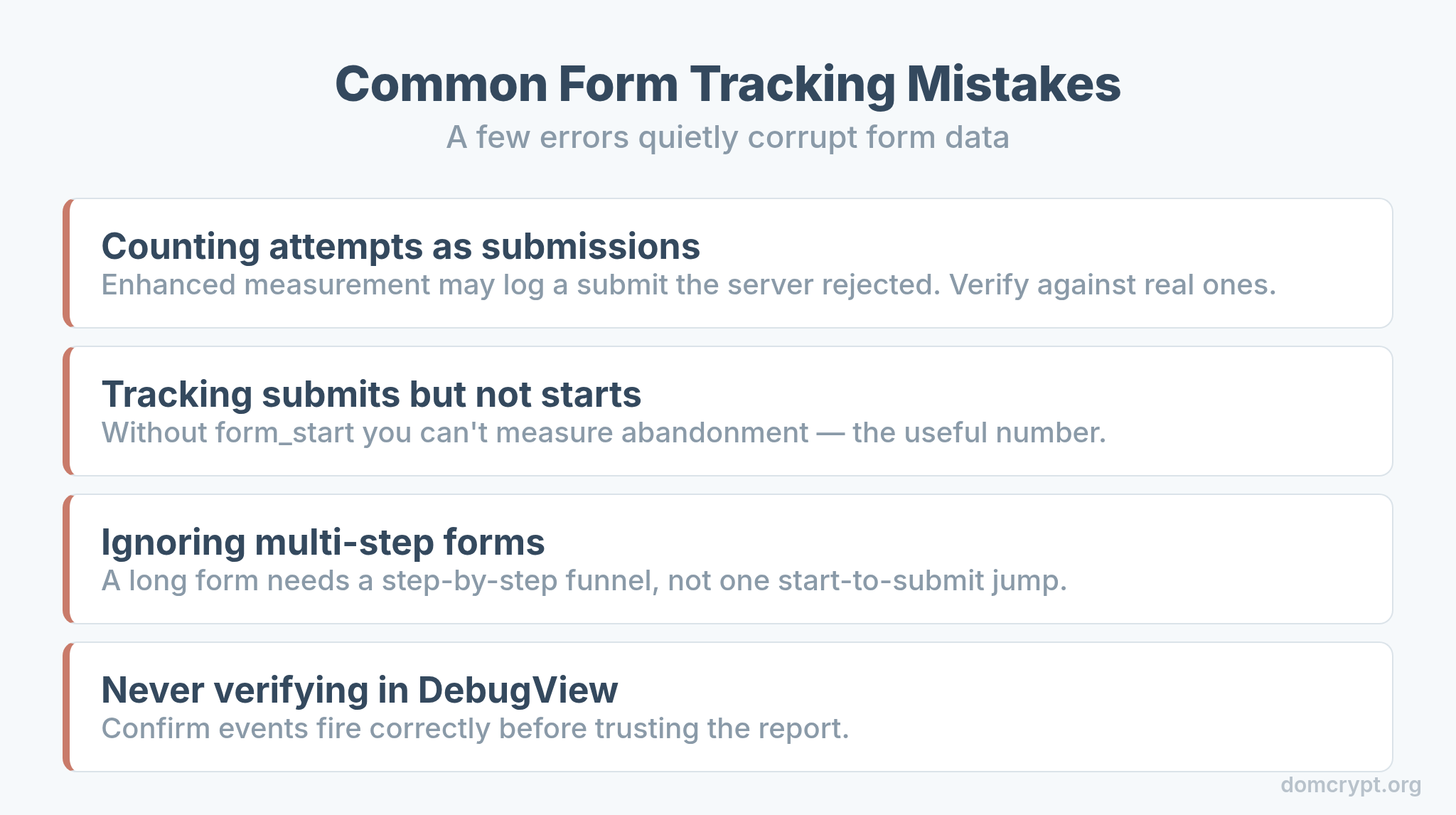
- Counting attempts as submissions. Enhanced measurement may log a submit the server rejected. Verify against real submissions.
- Tracking submits but not starts. Without
form_start, you can’t measure abandonment — the most useful number. - Ignoring multi-step forms. A long form needs a step-by-step funnel, not a single start-to-submit jump.
- Never verifying in DebugView. Always confirm the events fire correctly before trusting the report.
As always, a sudden change in form numbers is often a tracking change, not a behavior change — the same instinct you’d apply to bounce and engagement rates. Check the tag before you redesign the form.
The Bottom Line
Form tracking is about two events and the gap between them. Capture form_start and form_submit, start with enhanced measurement for a fast baseline, and move to GTM when you need to count real submissions and add useful parameters. Then build the start-to-submit funnel, watch the abandonment rate, and use field-level tracking to find the exact field that’s costing you conversions. Every visitor who abandons a form already wanted what you offer — measure the drop-off, and you can win most of them back.